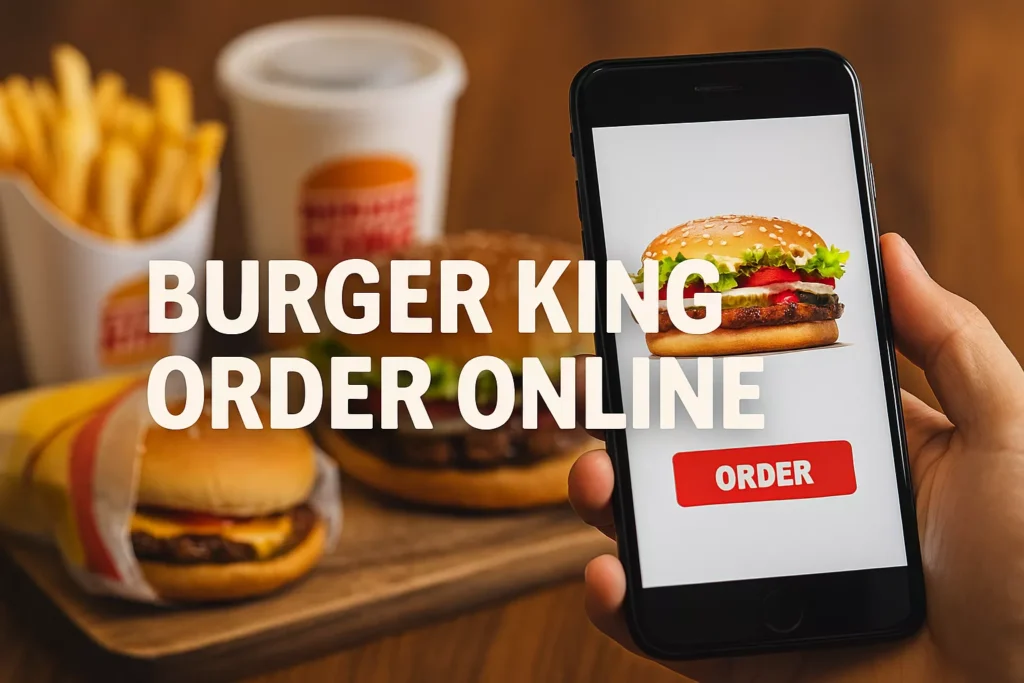
Want to know how to order Burger King online for pickup or delivery? You’re in the right place. In this in-depth guide, we’ll cover everything you need to know about using the Burger King website, Burger King app, and third-party delivery platforms to satisfy your craving fast and smart.
We’ll also show you how to unlock Burger King exclusive offers, use the Royal Perks loyalty program, compare Uber Eats vs. DoorDash for Burger King, and find out when to use the app vs. external services.
Some locations start preparing your pickup order immediately, while others wait until you arrive. Be sure to check the pickup instructions before placing your order.
Third-Party Burger King Delivery Services
If you prefer alternatives to the official BK app, you can find Burger King on major food delivery apps, including:
1. How do I order Burger King online for delivery?
You can place a delivery order via the Burger King website, BK mobile app, or third-party platforms like Uber Eats, DoorDash, and Grubhub. The best value comes from using the BK app due to exclusive deals and Royal Perks rewards.
2. Is there a delivery fee when ordering from Burger King?
Yes, typically there’s a $1–$3 delivery fee, but Burger King frequently runs promotions like $0 delivery on Sundays and Mondays for orders over a certain amount. Check the Offers tab in the app.
3. Can I earn Royal Perks when I order through Uber Eats or DoorDash?
No. To earn Crowns through the Royal Perks program, you must order directly through the BK app or website. Third-party services do not track your Burger King rewards.
4. What is the minimum order amount for delivery?
Most locations require a $5–$10 minimum order depending on the platform and region. Promotions like the $0 delivery fee often require a $10+ subtotal.
5. How do I get a free Whopper with my online order?
New Royal Perks members may receive a free Whopper, Croissan’wich, or Original Chicken Sandwich with their first digital order through the BK app or website.
6. Are there exclusive deals in the Burger King app?
Yes! You’ll find mobile-only deals like BOGO Whoppers, $1 fries, $3 combo meals, and more. These are not available in-store or via delivery apps.
7. Can I schedule an order in advance?
Currently, Burger King does not offer scheduled ordering through its app or website. Orders are typically prepared shortly after being placed or after check-in.
8. What payment methods are accepted online?
Burger King accepts credit/debit cards, BK gift cards, Apple Pay, Google Pay, and some PayPal options (via third-party apps).
9. Do delivery prices differ from in-store prices?
Yes. Delivery menus often have slightly higher prices to offset third-party service fees. That’s why ordering directly through the BK app or website often yields the best value.
10. Can I customize items when ordering online?
Absolutely. You can remove toppings, add extras, swap sauces, and change sides — all from the BK app or website, with full visibility.
11. Does Burger King offer curbside pickup?
Yes, some locations support curbside pickup via the app. Choose “pickup” during checkout and follow app instructions when you arrive.
12. How do I link my Royal Perks account with Walmart+?
Log into your BK Royal Perks account, go to Account Settings, and choose “Link Walmart+”. Once linked, you’ll enjoy 25% off one order per day and a free Whopper every 3 months.
13. What’s the “Deal of the Day” at Burger King?
It varies by week and location. Check the “Offers” tab in the BK app every Wednesday to see the latest deal, which could be a BOGO, combo meal, or free item.
14. Can I use paper coupons on online orders?
No. Print coupons cannot be applied to online or delivery orders. Stick to app-exclusive deals and digital offers instead.
15. Does Burger King have a secret menu I can access online?
While there’s no official secret menu, you can customize your order in the app to replicate fan favorites like the Suicide Burger, Rodeo Burger, or a Veggie Whopper using ingredient swaps.
16. Can I order breakfast from Burger King online?
Yes, breakfast is available through the app and online between opening hours and 10:30 AM at most locations. Check your local store for availability.
17. What happens if I have an issue with my online order?
You can contact Burger King customer service via the app or website. For third-party orders, contact the respective app (Uber Eats, DoorDash, etc.) for refunds or delivery issues.
Final Thoughts
Absolutely. Whether you’re looking to skip the line, grab exclusive deals, or stack loyalty points, the Burger King online ordering system delivers a seamless and satisfying experience. Using the BK app is the smartest way to save money, access hidden deals, and earn rewards.
For those who prefer third-party apps like Uber Eats or DoorDash, you still get the convenience—just be aware of the higher prices and lack of loyalty points.
So go ahead, tap into the power of digital ordering and bring the flame-grilled goodness of Burger King to your doorstep or dashboard.